


Page 75 - LIT-18626-15-36
P. 75
SportsBoat_F6D11.book  Page 65  Friday, May 24, 2024  5:40 PM


                                                                 Instrument operation

                             System control screen            TIP:
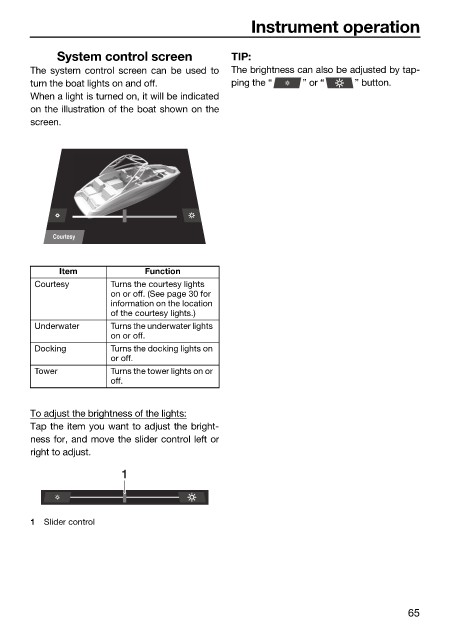
                        The system control screen can be used to  The brightness can also be adjusted by tap-
                        turn the boat lights on and off.      ping the “   ” or “    ” button.
                        When a light is turned on, it will be indicated
                        on the illustration of the boat shown on the
                        screen.


                            Courtesy

                              Item            Function
                         Courtesy      Turns the courtesy lights
                                       on or off. (See page 30 for
                                       information on the location
                                       of the courtesy lights.)
                         Underwater    Turns the underwater lights
                                       on or off.
                         Docking       Turns the docking lights on
                                       or off.
                         Tower         Turns the tower lights on or
                                       off.


                        To adjust the brightness of the lights:
                        Tap the item you want to adjust the bright-
                        ness for, and move the slider control left or
                        right to adjust.
                                         1


                        1  Slider control


                                                                                               65

