


Page 64 - LIT-18626-14-72
P. 64
SportsBoat_F6H14.book  Page 57  Thursday, August 17, 2023  4:57 PM


                        Instrument operation

                                                              Language setting screen
                                         1                    The language for the  multi-function  display
                                                              unit can be changed.


                        1  Slider control                                  Set Language

                        TIP:
                                                                       English     Espanol
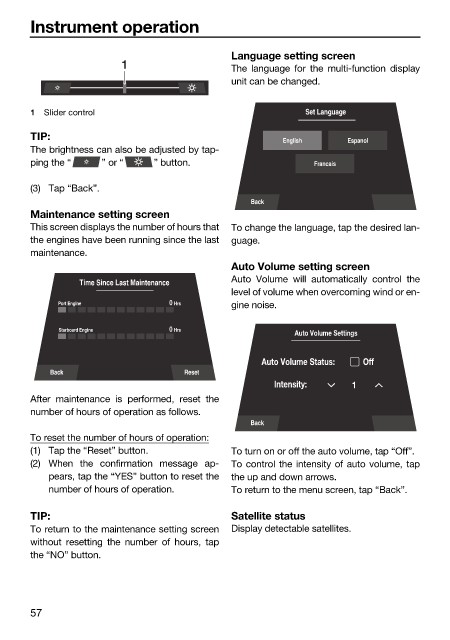
                        The brightness can also be adjusted by tap-
                        ping the “    ” or “   ” button.                     Francais

                        (3) Tap “Back”.
                                                                 Back
                        Maintenance setting screen
                        This screen displays the number of hours that  To change the language, tap the desired lan-
                        the engines have been running since the last  guage.
                        maintenance.
                                                              Auto Volume setting screen
                                                              Auto Volume will automatically control  the
                                 Time Since Last Maintenance
                                                              level of volume when overcoming wind or en-
                             Port Engine          0  Hrs      gine noise.


                              Starboard Engine    0  Hrs
                                                                         Auto Volume Settings
                                                                   Auto Volume Status:  Off
                            Back                     Reset
                                                                      Intensity:    1
                        After maintenance is  performed, reset the
                        number of hours of operation as follows.
                                                                 Back
                        To reset the number of hours of operation:
                        (1) Tap the “Reset” button.           To turn on or off the auto volume, tap “Off”.
                        (2) When the confirmation message ap-  To control the intensity of auto volume, tap
                            pears, tap the “YES” button to reset the  the up and down arrows.
                            number of hours of operation.     To return to the menu screen, tap “Back”.

                        TIP:                                  Satellite status
                        To return to the maintenance setting screen  Display detectable satellites.
                        without  resetting the number of hours, tap
                        the “NO” button.


                        57

